Add Input
I want it when I press space the dice will start rolling. So I modify my _PhysicsProcess and my stopRolling attrtibute into:
    private bool stopRolling = true;

    public override void _PhysicsProcess(double delta)
    {
		if (Input.IsActionJustPressed("ui_accept")) {
			diceTimer.Start();
			stopRolling = false;
		}
		Roll();
	}
Remember that this is the trigger to roll the dice:
    private void Roll() {
		if (!stopRolling) {
			if (!isFloating) {
				StartRoll();
			}
        	ApplyTorque(new Vector3(GD.Randi(), GD.Randi(), GD.Randi()).Normalized());
		} else if (isRolling) {
			StopRoll();
		}
	}
Yes, it is triggered by stopRolling field. In the previous part stopRolling is always started as false. In this part, stopRolling starts with true. So, it won’t roll immediately after the program starts. But instead, I toggle stopRolling into false inside the isActionJustPresed event, so it will only roll when ui_accept(space) pressed. I also start the dice timer inside the same event.
But, there is a problem…because it is triggered by space button now, when user pressing space continously the dice won’t be dropped in timely manner. It is in the air longer than 3s. So, I need to determine when it is safe to roll the dice. Logically, it is when the dice not moving(velocity == 0).
So, I will make another field called canRoll default to false, and will only true when linear velocity is 0. And, rolling dice is only allowed when canRoll is true. And I will switch canRoll to false when the dice is about to roll. But, the flag is become too much, that it is harder to manage…I think I will simplify the process, before moving any further…
	public bool isFloating = false;
	public bool canRoll = false;

    public override void _PhysicsProcess(double delta)
    {
		if (Input.IsActionJustPressed("ui_accept") && canRoll) {
			diceTimer.Start();
			canRoll = false;
			startRoll();
		}

		if (isFloating) {
			ApplyTorque(new Vector3(GD.Randi(), GD.Randi(), GD.Randi()).Normalized());
		}
	}

	...

	...

	private void StartRoll() {
		LinearDamp = 0.8f;
		AngularDamp = 50;
		ApplyImpulse(new Vector3(0, (float)GD.RandRange(0.1, 0.5), 0));
		isFloating = true;
		GravityScale = 0;
	}

	private void StopRoll() {
		isFloating = false;
		LinearDamp = 8;
		AngularDamp = 3;
		float x = RandomizeImpulse();
		float z = RandomizeImpulse();
		if (x >= z) {
			z = 0;
		} else {
			x = 0;
		}
		ApplyTorque(new Vector3(GD.Randi(), GD.Randi(), GD.Randi()).Normalized());
		ApplyImpulse(new Vector3(x, -0.1f, z));
		GravityScale = 1;
	}

    public override void _IntegrateForces(PhysicsDirectBodyState3D state)
    {
		if (state.LinearVelocity == Vector3.Zero) {
			canRoll = true;
		}
    }

	private void _onTimerTimeout() {
		StopRoll();
	}
Here, I removed a bunch of flags, since I can control the roll with timer and button now. I only need isFloating and canRoll flags.
Adding Another Dice
Now, that I already have a dice working well. I will add another dice by instancing the existing Dice scene into the Main scene.
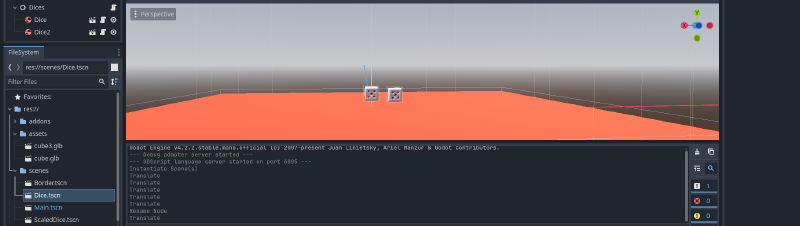
It become something like this:
Roll Two Dices at the Same Time
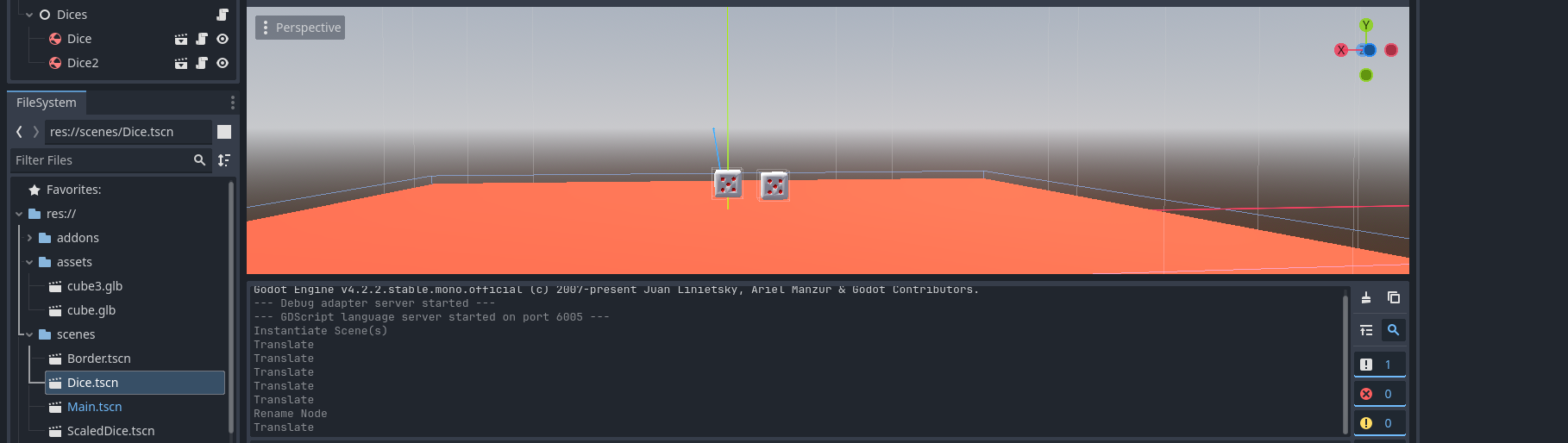
I just need to press space once then both of them will roll right?? Yeah…but no…🥲
There are cases when one dice landed faster than the other, because of the height randomness of each dice. So I will need to either press space twice to roll each dice OR guessing whether both of them landed safely, which are not good approaches…I want to make them roll together with just a single press without unifying the randomness.
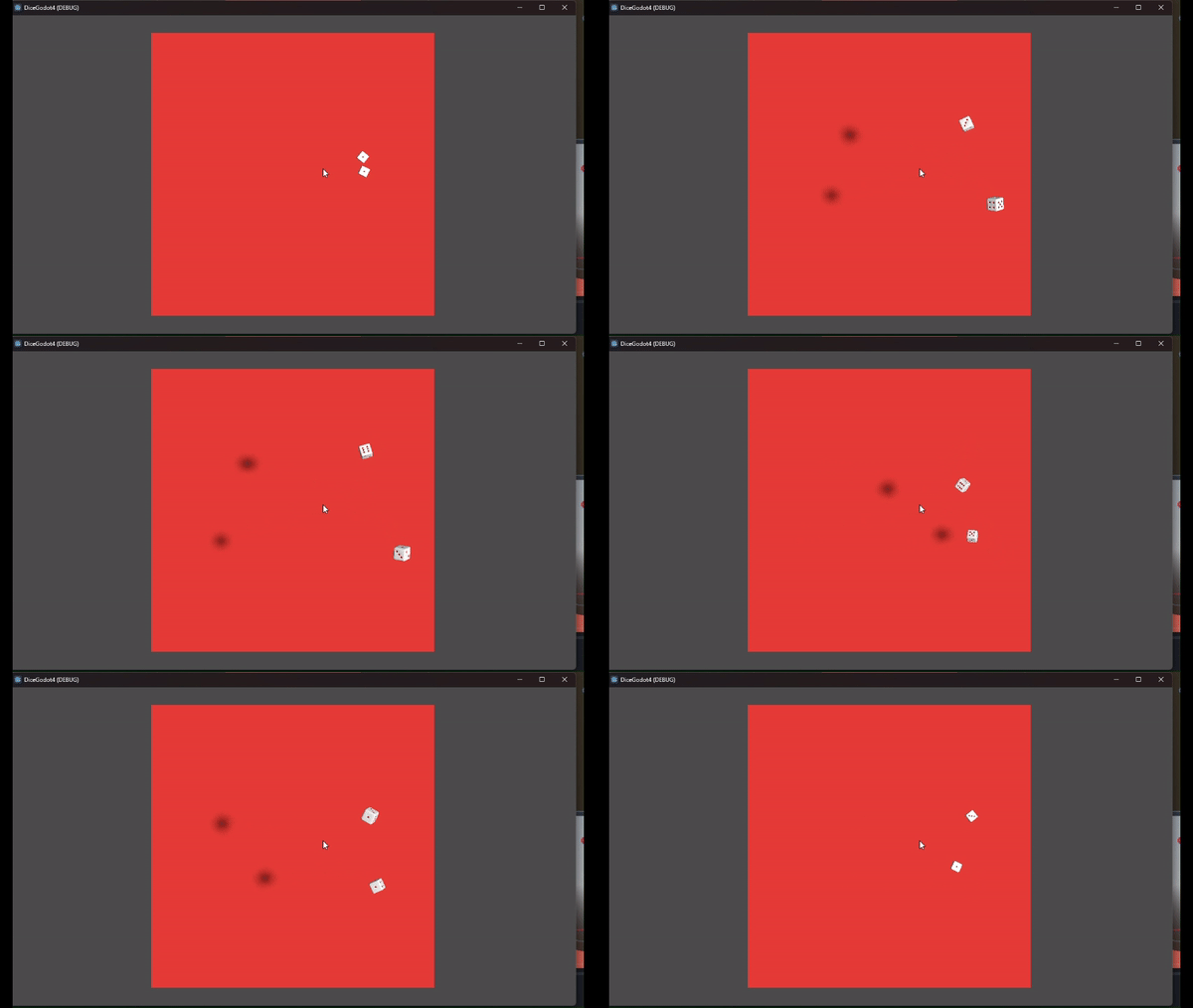
Remember that there is a node that groups the dices? Yes, the Dices Node.
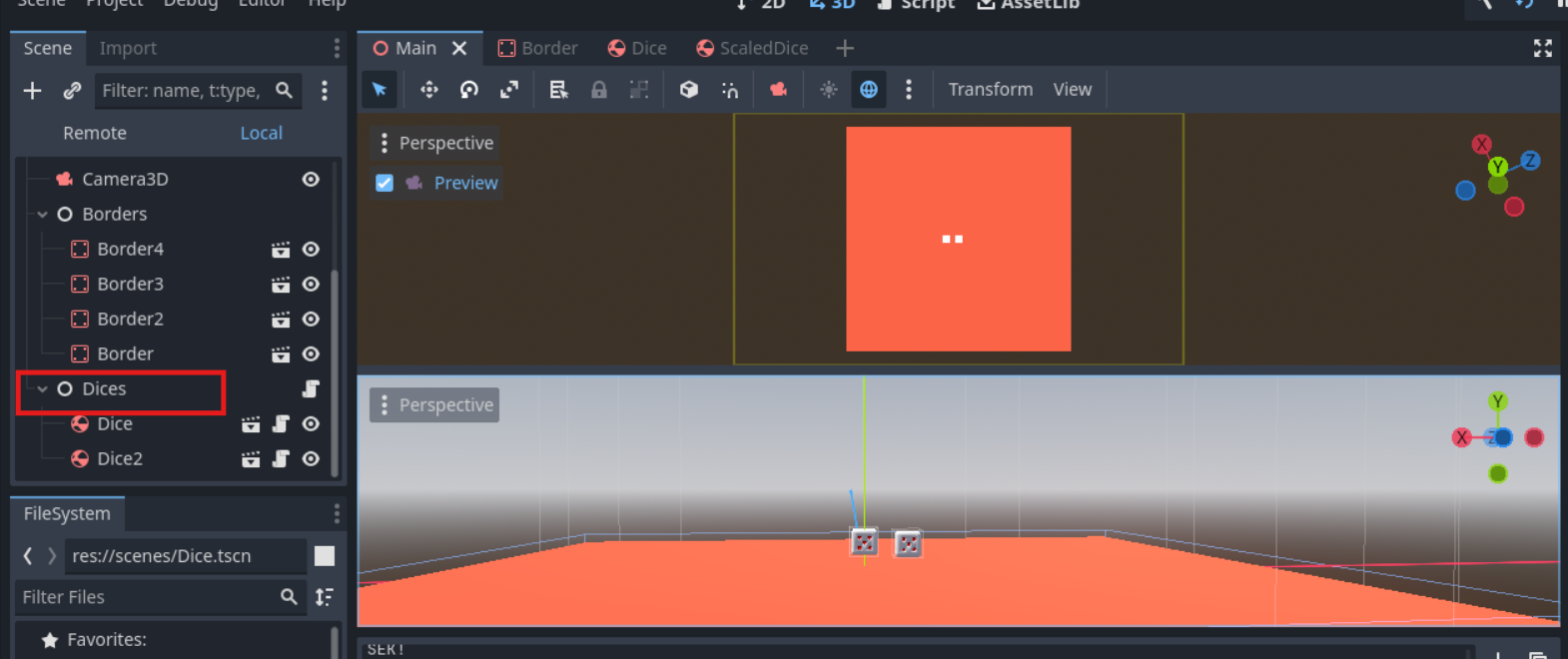
I will use that node to control my 2 dices. This node should read whether both dice can be rolled. If they can be rolled, then start the timer and set canRoll to false.
First let tidy up the Dice script. I will read the space input from the Dices input, not the Dice. And I will move the code inside the if into a separate method. Since it will be called from Dices.
    public override void _PhysicsProcess(double delta)
    {
		if (isFloating) {
			ApplyTorque(new Vector3(GD.Randi(), GD.Randi(), GD.Randi()).Normalized());
		}
	}

	public void StartTimer() {
		diceTimer.Start();
		canRoll = false;
		StartRoll();
	}
Now onto the Dices node…
First, I attach a script to Dices node. Than write this script inside it:
using Godot;
using System;
using System.Collections.Generic;
using System.Linq;

public partial class Dices : Node
{
	private List<Dice> dices = new();

	// Called when the node enters the scene tree for the first time.
	public override void _Ready()
	{
		foreach (var dice in GetChildren()) {
			dices.Add((Dice) dice);
		}
	}

	// Called every frame. 'delta' is the elapsed time since the previous frame.
	public override void _PhysicsProcess(double delta)
	{
		if (Input.IsActionJustPressed("ui_accept")) {
			if (dices.All(dice=>dice.canRoll)) {
				foreach (var dice in dices)
				{
					dice.StartTimer();
				}
			}
		}
	}
}
In above code, firstly I add the dices into dices while casting each of them into Dice. I cast it so I can access the Dice field later on.
And then for every frame on _PhysicsProcess specifically. I check if all the dices have canRoll to be in true state. If it is true, then I will call StartTimer() to trigger the roll, but also toggle the canRoll field to false, so the dices can’t be rolled, unless both of them has zero linear velocity.
That’s all for part2, next is to read the number of the dice!~