![Featured image of post Tabletop Game Pt1 [Rolling Dice]](/post/tabletop-game-pt1/dice-model1_hu14982799251334150452.jpg)
Preface
I am very new at GameDev and I use this project to experiment with Godot Engine as my chosen engine. I am using Godot4.2 for this project. The goal of this project is to make monopoly-like game. This post is about the rolling dice part. I put this on this site, so I won’t forget what I did later on LOL.
Dice Model
I made the dice using Blender. For the scale, I made it the same as the original item size which is 16mm. It is easier for me to manage the other objects scale by using the real size.
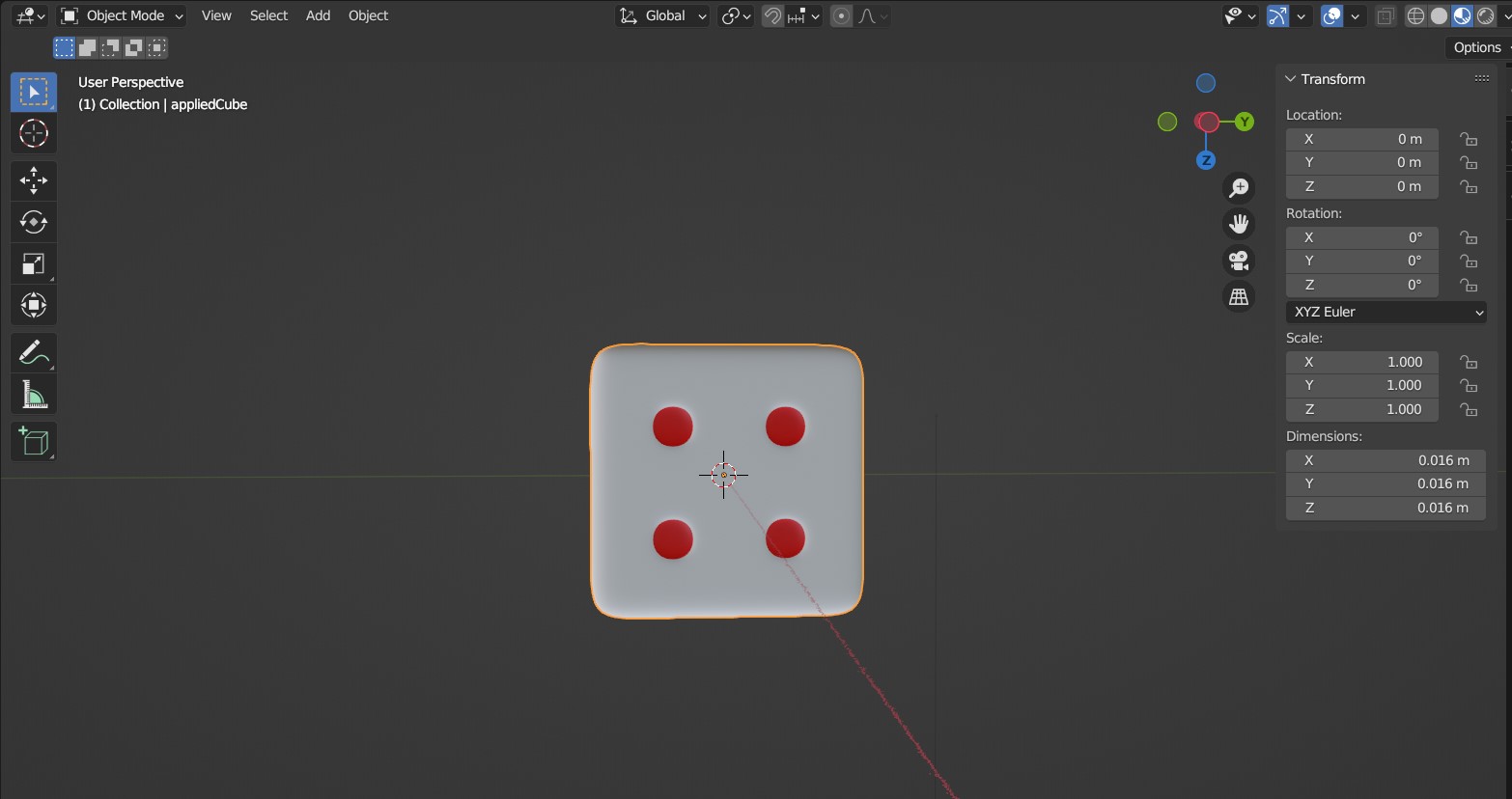
After I am done with the model and its texture, I exported the model in gITF 2.0 format. But I only include the Dice model itself. I exclude the lighting and camera, since I will use Godot’s for that. I saved the file on my Godot’s project assets directory.
Importing the Assets
I proceed with importing my Dice into Godot. I just using the default config for it. I also just using Node3D as its Node.

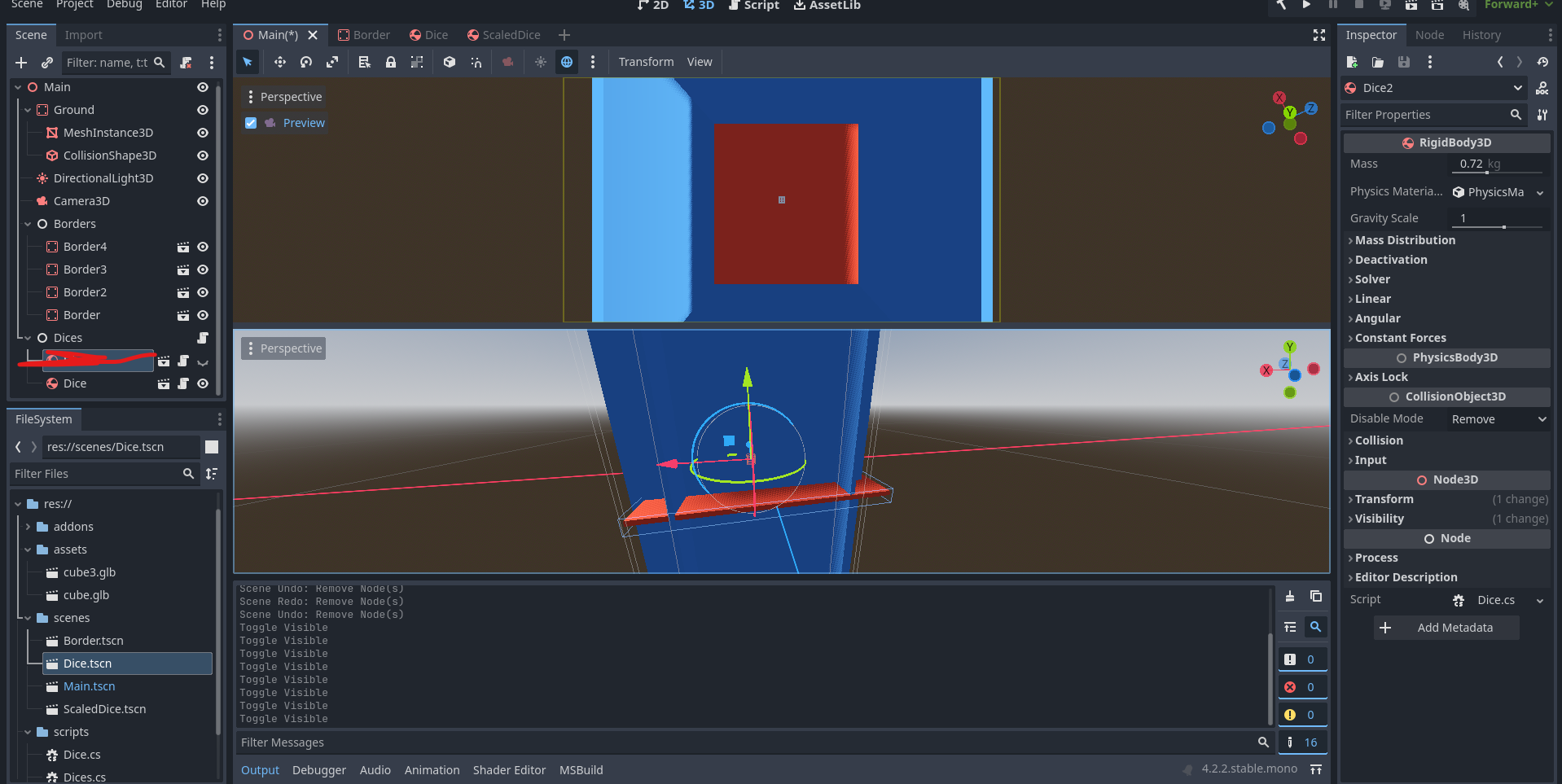
Then I am creating a 3D Scene for the Dice, with RigidBody3D as the root Node. I am using RigidBody because I will let the engine handle the physics itself. I will just applying Impulse, Torque, Force. The rest will be calculated by the engine. I won’t do manual calculation here 😅…
I also set the mass the same as actual dice, to mimic the real world. I then set a little bit of friction, because it may have a bit of friction with the board. Also some bounce, because I want it to bounce when collide with something(i.e board and other dice). I will talk about the Timer and Damp later.

Environment Setup
For the main scene I setup the ground / board with StaticBody3D, it is sized 50cm x 50cm x 1 cm. I also setup a basic Camera and Lightning. I am using two panes, so I can also see the camera preview.
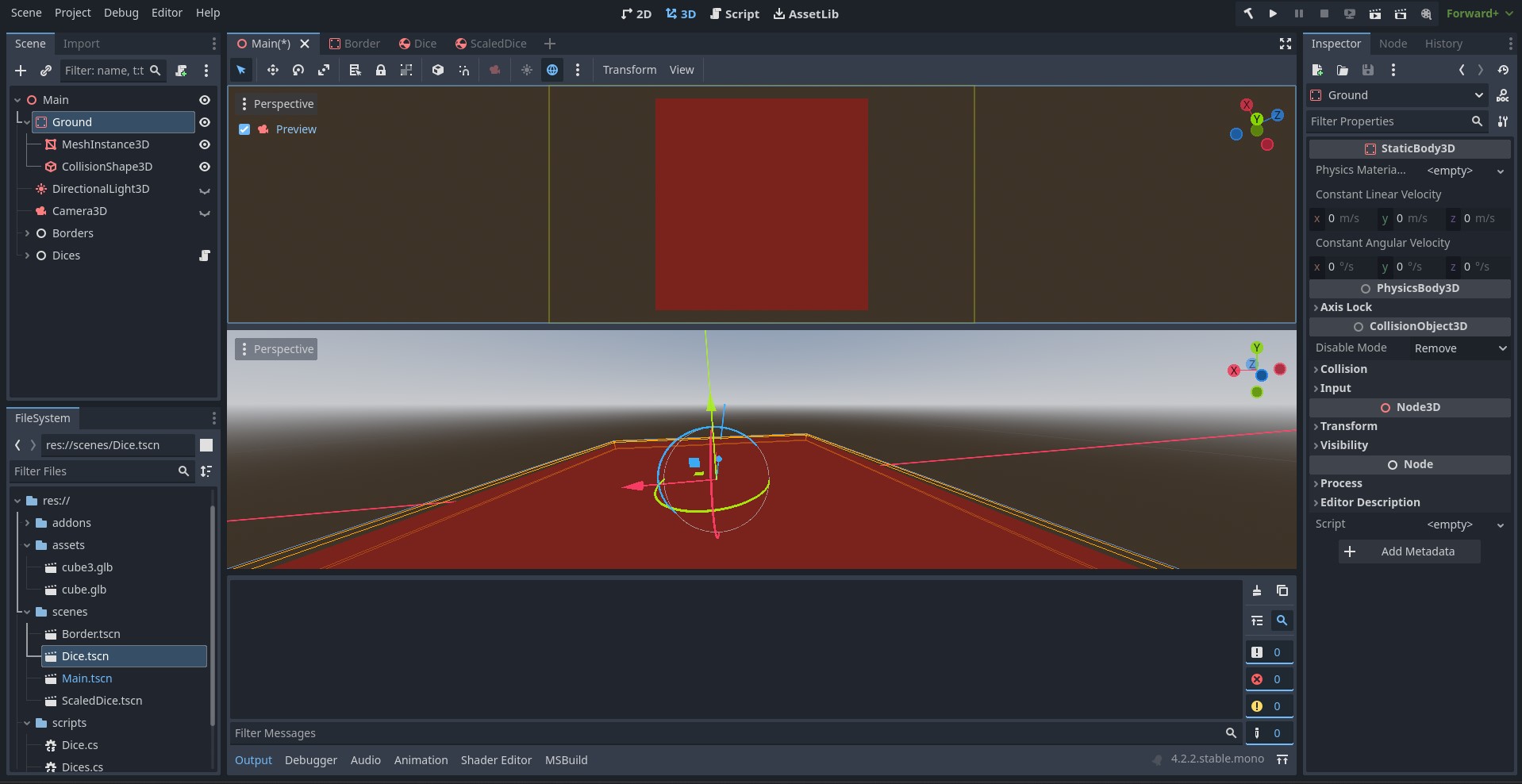
I also make a Border scene with StaticBody3D. Border will be used to limit the dice movement. I don’t want the dices to be out of the board area. I make it without mesh, I don’t want it to be visible.
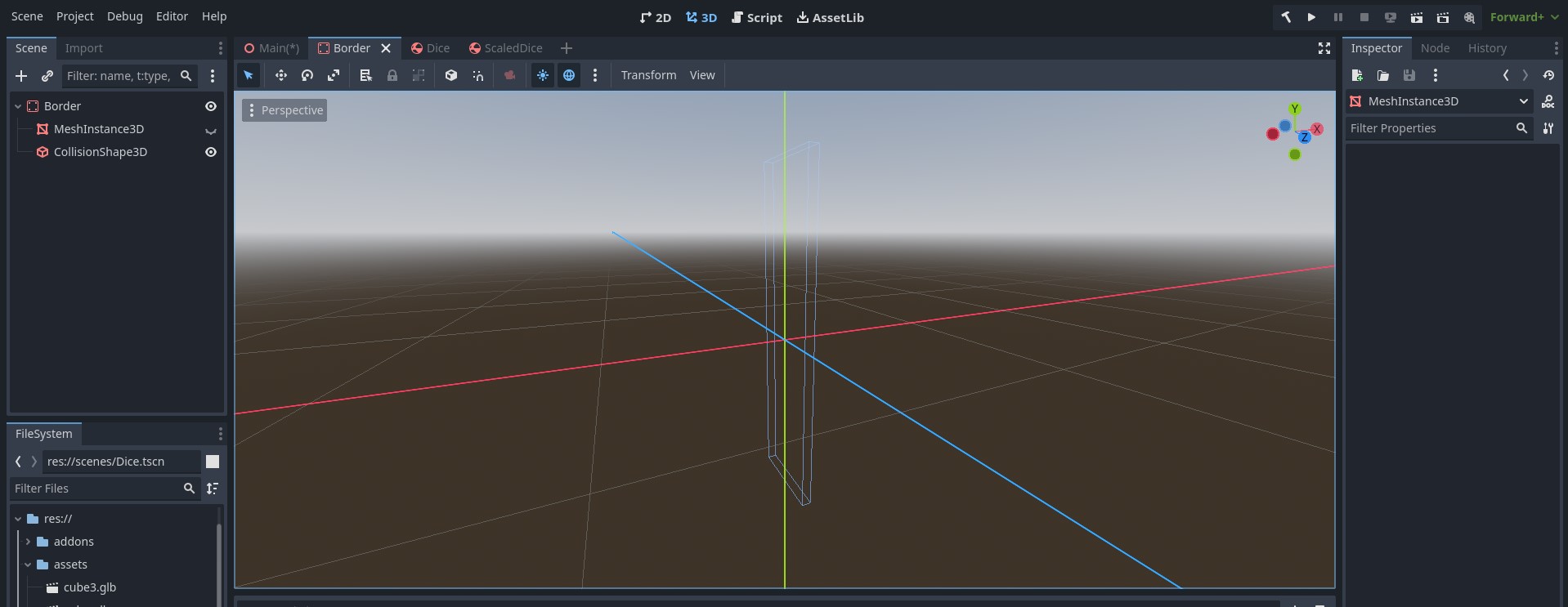
Then I put the new created border on the Main scenes, I put 4 of them under 1 Node named Borders so it is easier to manage. I put a mesh here temporarily so it is easier to see when setting up the scene.
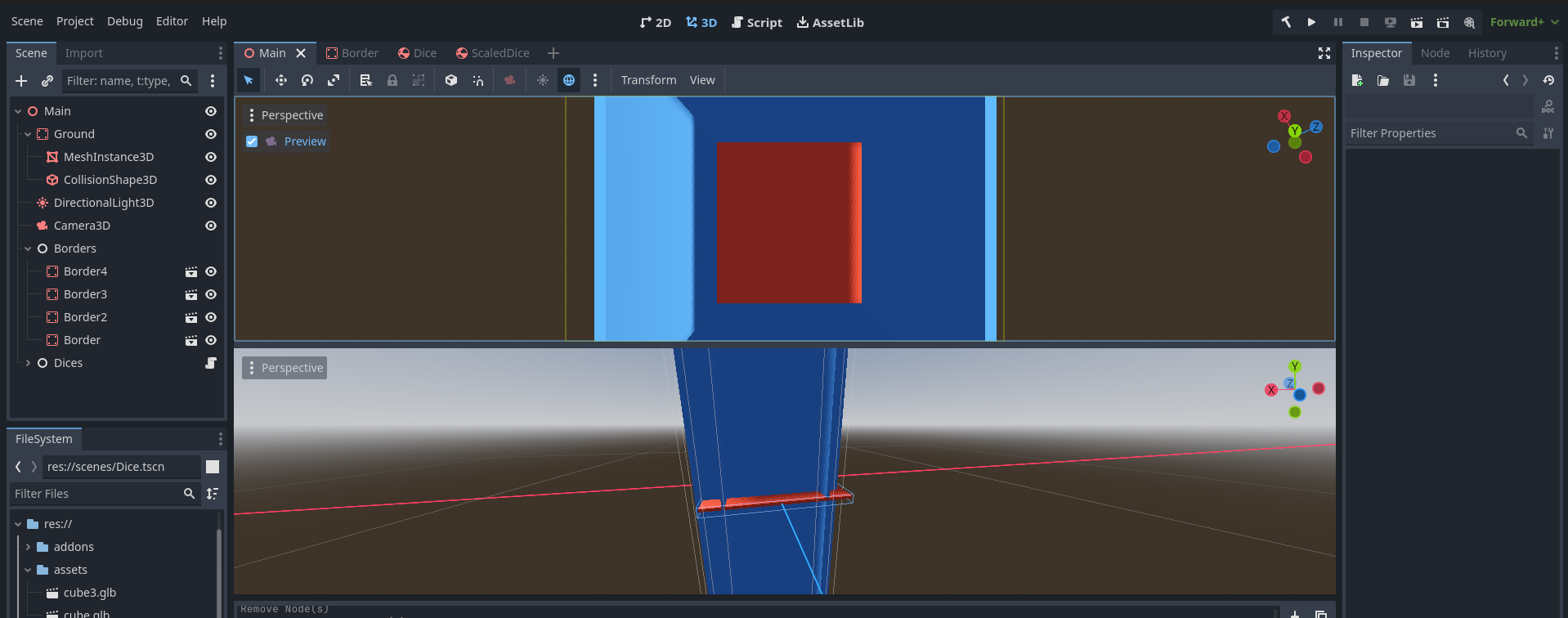
I also put my dices under 1 Node named Dices. But for starter I only 1 Dice to test up the physics.
Code
I write the code using C Sharp. Oh, for Physic Engine itself I am using Jolt engine, to save me some headaches…using the default one will make my dice acting wild…I am not sure why, maybe because it is too small 🤔…
At first, I make my dice to roll on the ground, but it feels weird. In real world, most people will shake it with hands or a small container and throw it above the ground. So, I decided to make it roll in the air and then dropped off instead. It looks weird, but feels better to me when dropped off, rather than rolling on the ground LOL. Maybe I can use some kind of container later on, to contain the dice while in the air, and throw it from there. Or just throw it off through some portal or something 😂.
First, to throw it off above the ground, I applied some impulse on the Dice Y Axis. I randomized the value, to get a random height. I don’t want it to be 0 or too high…so I just give it value in range 0.1 to 0.5.
    public override void _PhysicsProcess(double delta)
    {
		ApplyImpulse(new Vector3(0, (float)GD.RandRange(0.1, 0.5), 0));
	}
And then to make it spins, I will apply some random torque on it, so it spins in random directions. I normalized it, so it doesn’t spin too crazy, because the vector is too large. But, tbh, I don’t really see much difference, so I will just leave it there 😅.
    public override void _PhysicsProcess(double delta)
    {
		ApplyImpulse(new Vector3(0, (float)GD.RandRange(0.1, 0.5), 0));
        ApplyTorque(new Vector3(GD.Randi(), GD.Randi(), GD.Randi()).Normalized());
	}
Oh, but the impulse should not be applied every ticks, so the dice do not get higher and higher like this:
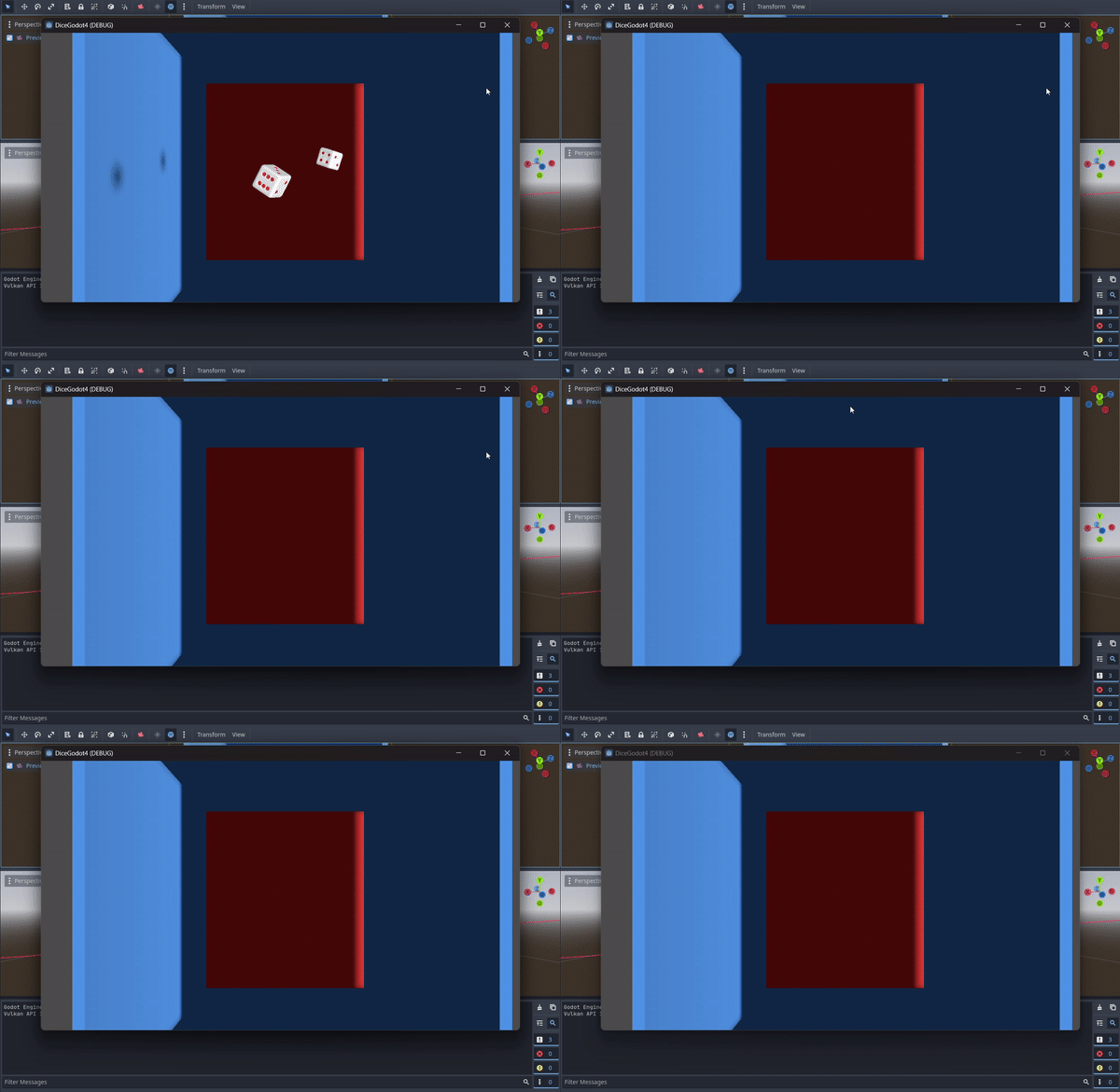
Impulse should be applied once. So the above code can be updated into this:
    private bool isFloating = false;

    public override void _PhysicsProcess(double delta)
    {
		if (!isFloating) {
			ApplyImpulse(new Vector3(0, (float)GD.RandRange(0.1, 0.5), 0));
			isFloating = true;
		}

        ApplyTorque(new Vector3(GD.Randi(), GD.Randi(), GD.Randi()).Normalized());
	}
isFloating is a flag that mark whether the dice is already floating or not. When it is not floating then I will make it float and mark it as floating(isFloating = true).
This is what I got:
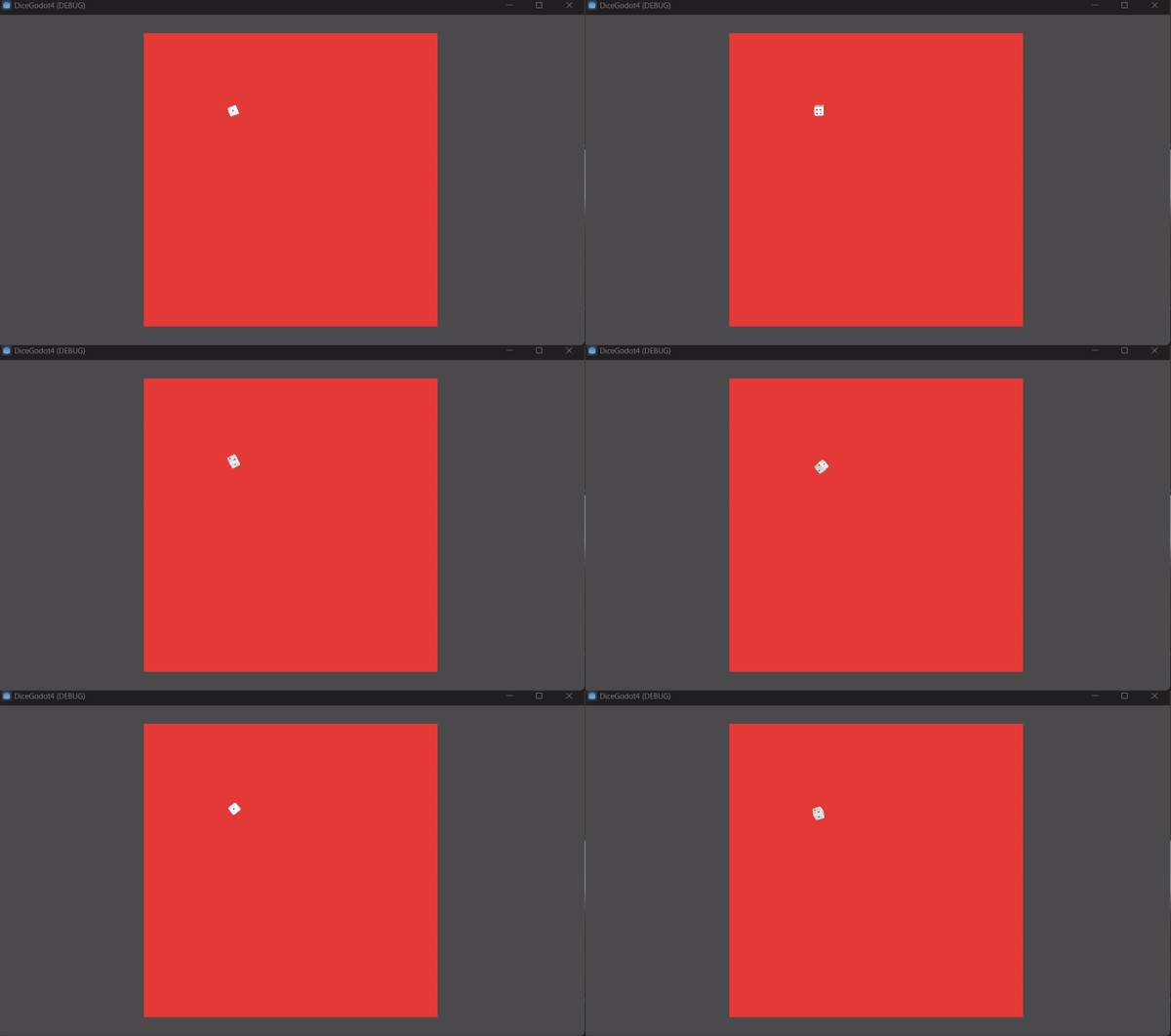
It is not floating at all! It is breakdancing instead LOL. That’s because gravity is still affecting the dice. The gravity will pull the dice down when it is floating. Thus, the gravity needs to be removed, so it keeps floating on the air.
    private bool isFloating = false;

    public override void _PhysicsProcess(double delta)
    {
		if (!isFloating) {
			ApplyImpulse(new Vector3(0, (float)GD.RandRange(0.1, 0.5), 0));
			isFloating = true;
    		GravityScale = 0;
		}

        ApplyTorque(new Vector3(GD.Randi(), GD.Randi(), GD.Randi()).Normalized());
	}
Here, GravityScale is set to 0, and here is the result:
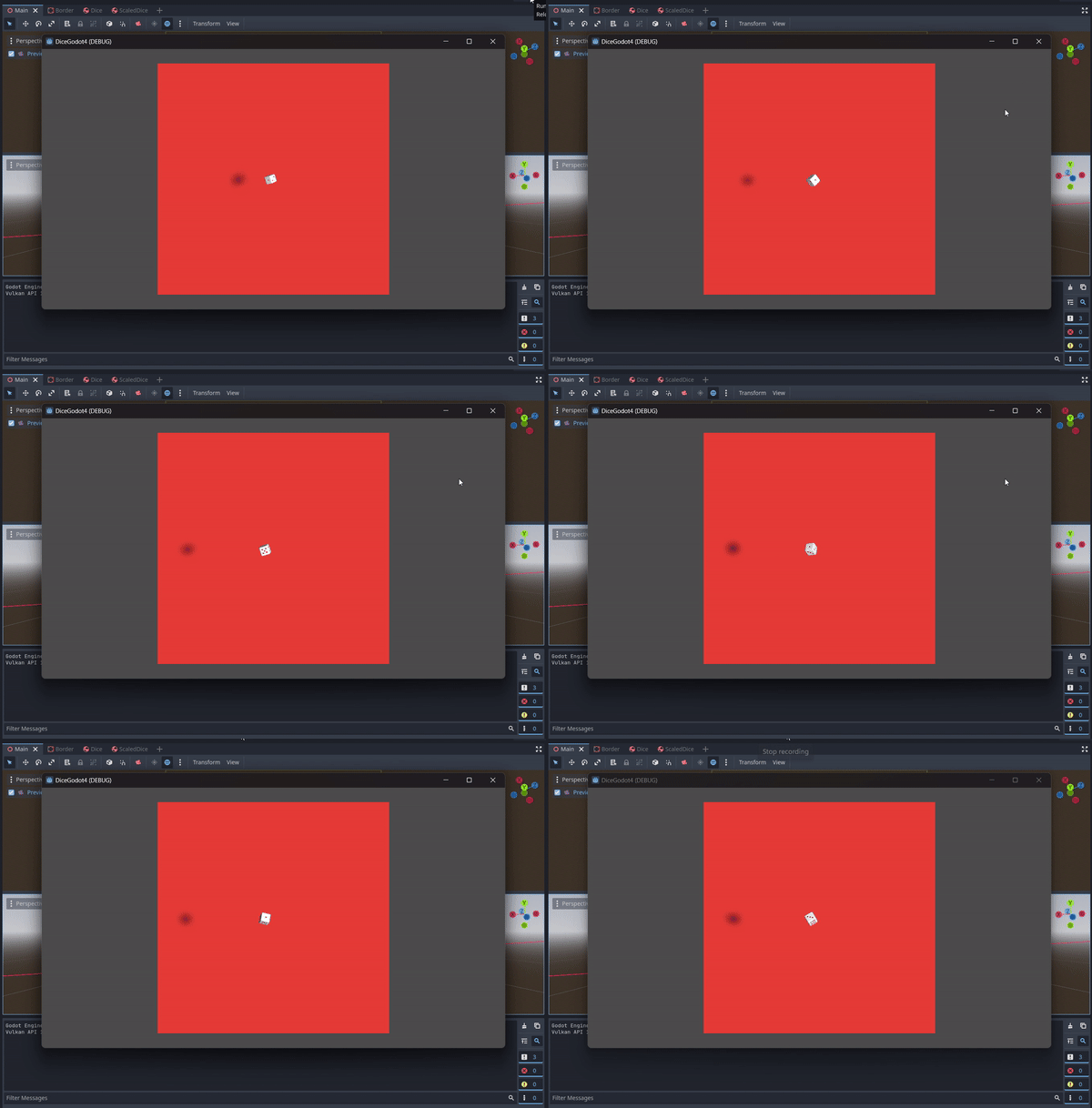
Now, it keeps floating and won’t go down….I want the dice to stop rolling and go down in ~3s. So here I will applying a Timer for the Dice. I also setup a signal when it is timeout after 3s. So when it is hit 3s it will call a method called _onTimerTimeout()
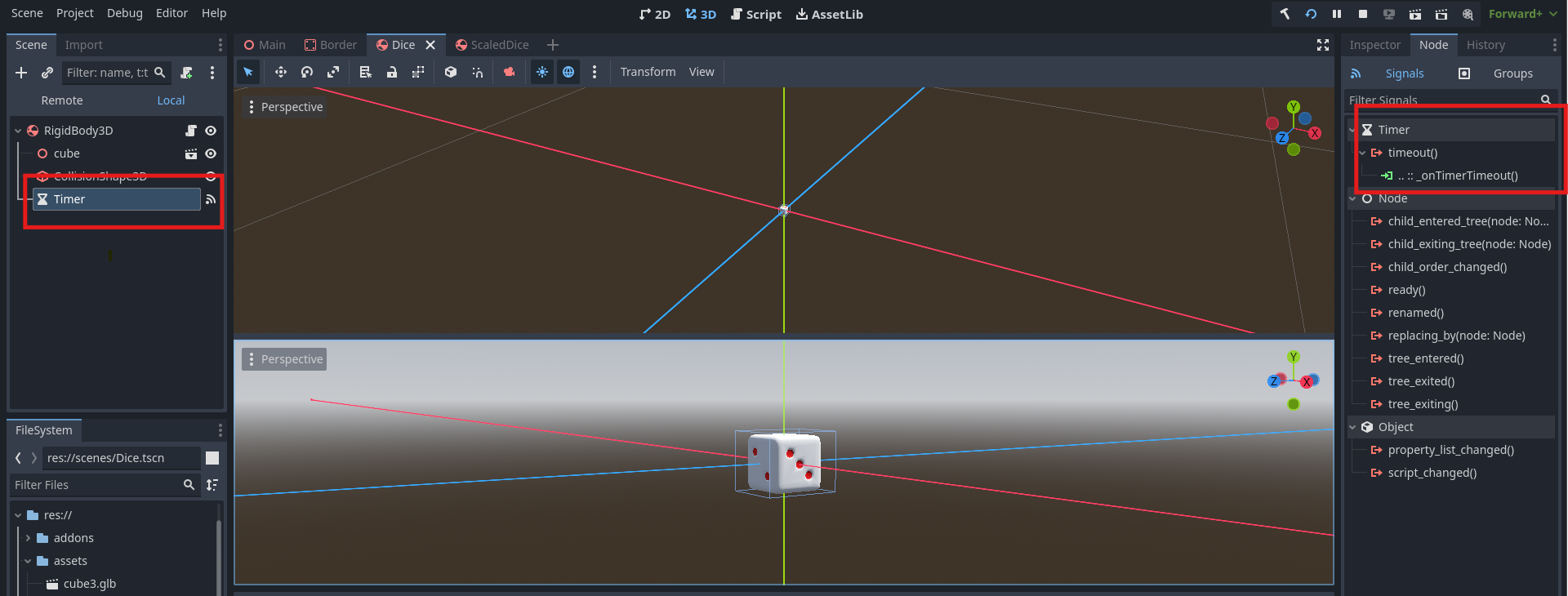
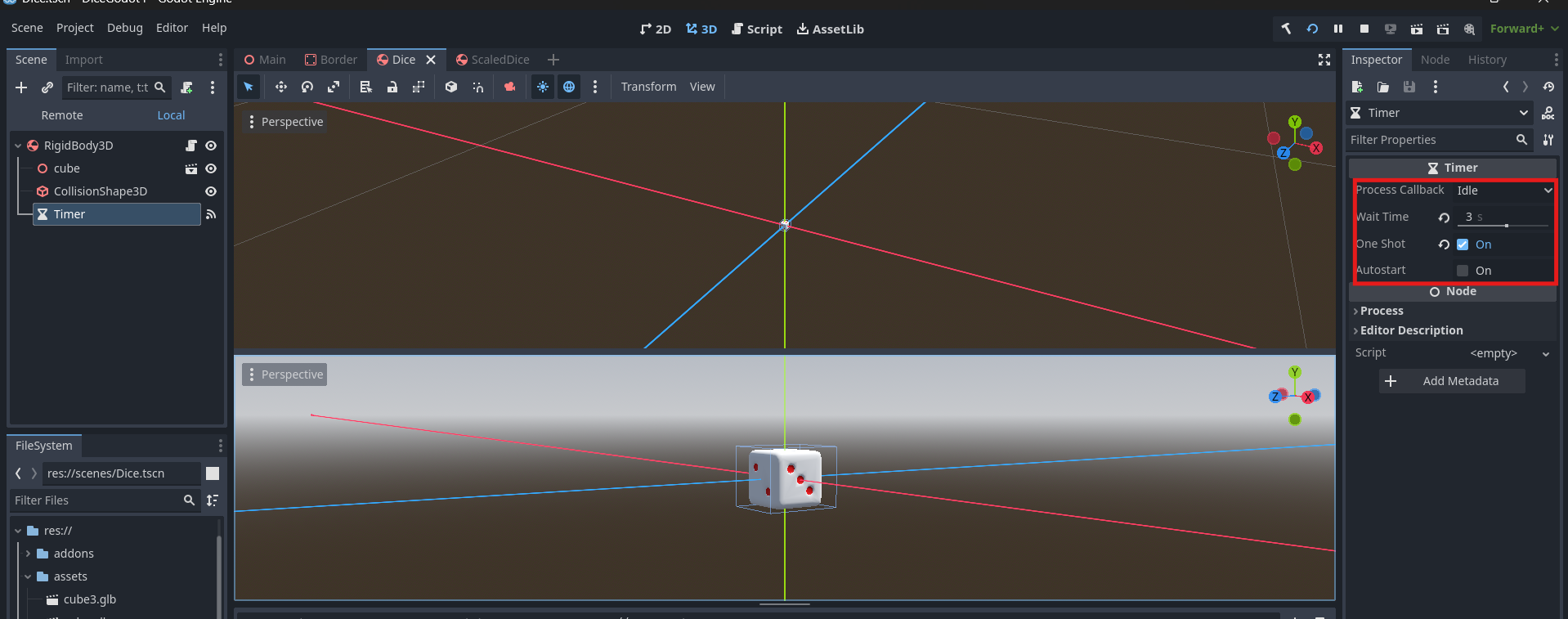
Since, it is CSharp, Godot will not make the method automatically for now. So I will just create it manually. I add _onTimerTimeout in the Dice’s script.
    ...

    public override void _PhysicsProcess(double delta)
    {
        ....
    }

    private void _onTimerTimeout()
    {
        return;
    }
Oh, forgot about the Linear Damp. In this object I already set the Linear Damp into 0.8.
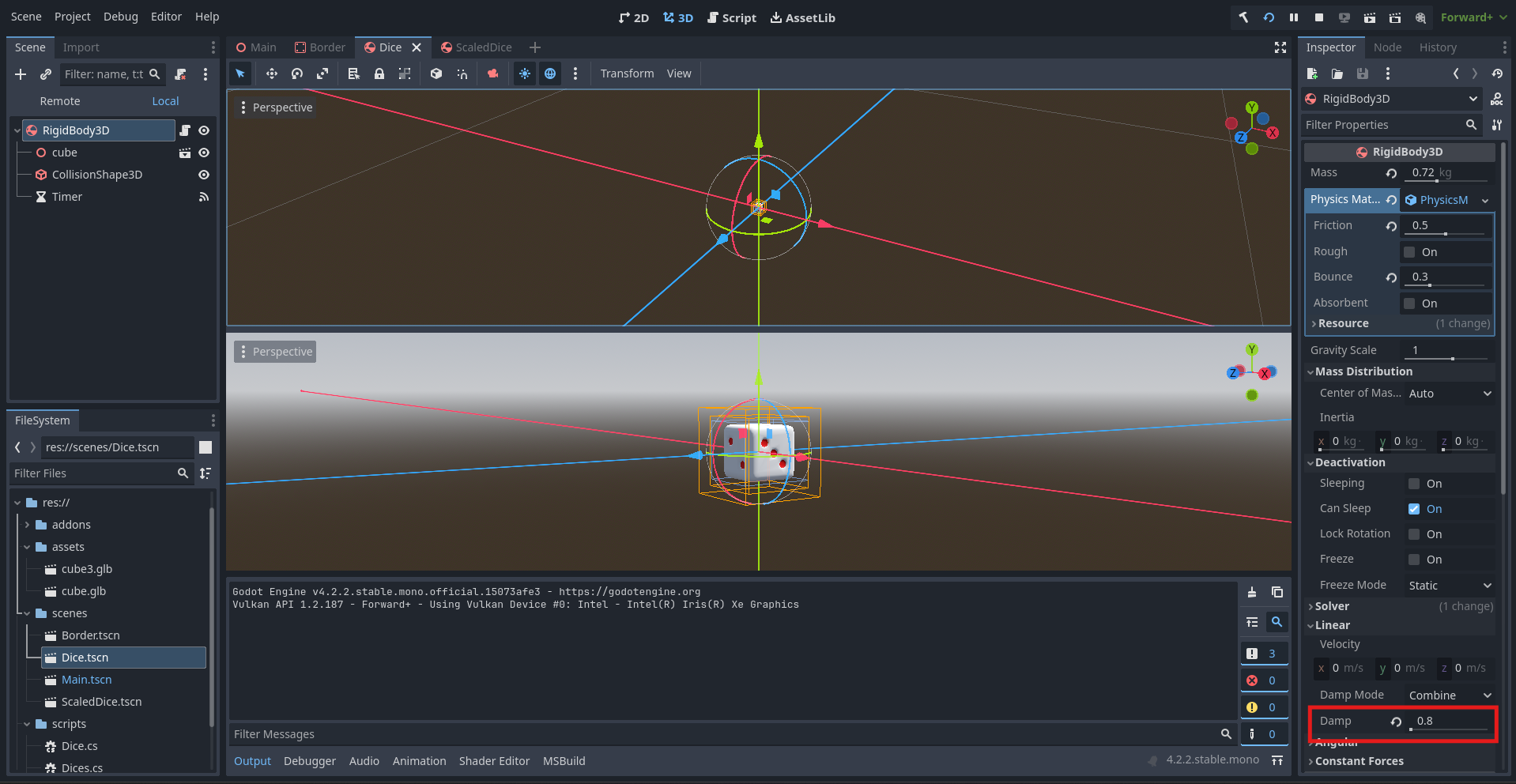
The higher it is the “slower” the linear movement is. Let’s see if it is set into 0 which is the default value:
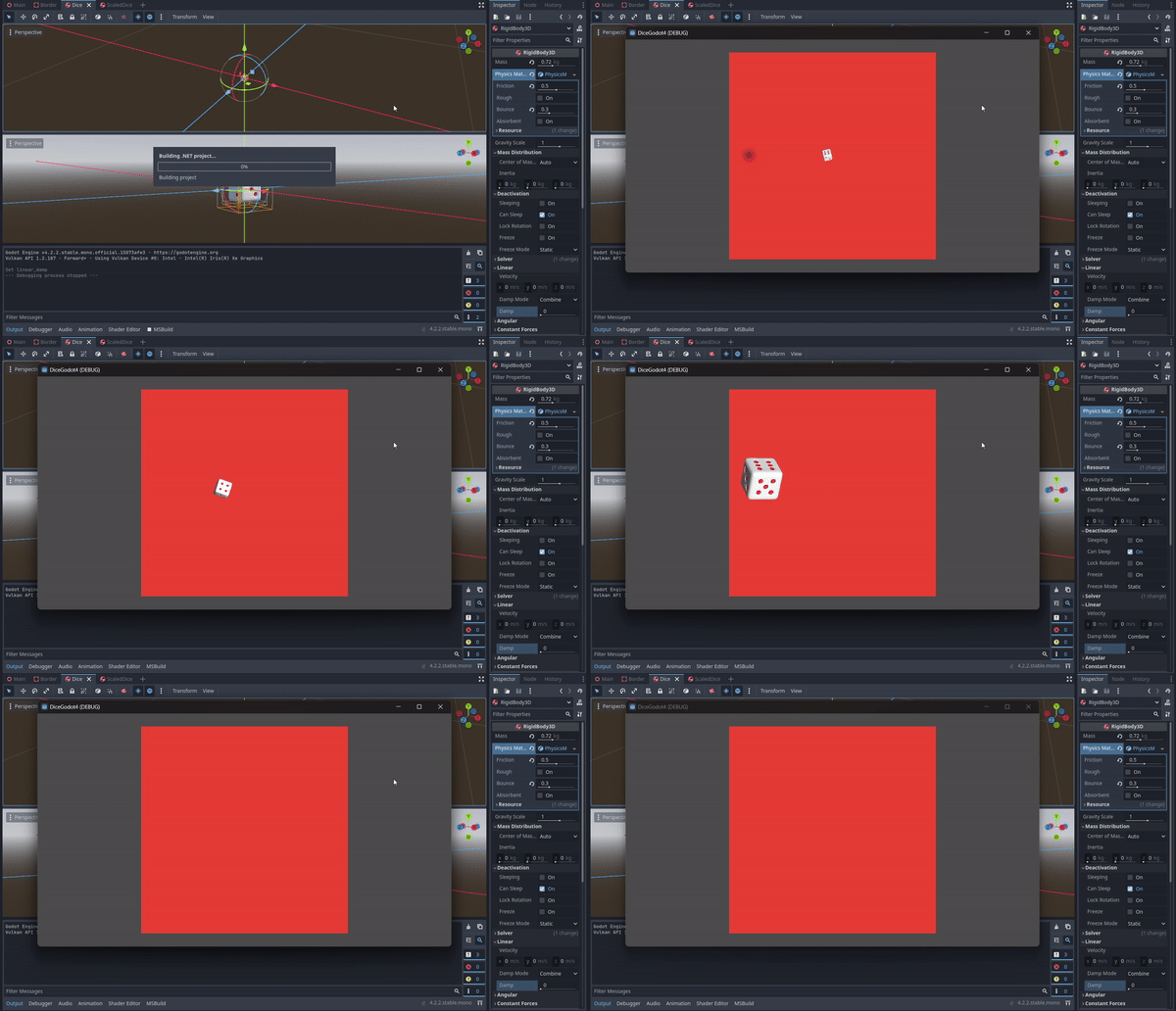
It will move the dice up so fast…
Back to code. With the new timer, I want to update a few things:
- I want the timer to start when the Dice is floating
- I want the dice to stop rolling and floating when it hits timeout. So, when it hits timeout I will drop the dice.
First, let’s start the timer!
    private bool isFloating = false;
    private Timer diceTimer;

	public override void _Ready()
	{
		diceTimer = GetNode<Timer>("Timer");
	}

    public override void _PhysicsProcess(double delta)
    {
		if (!isFloating) {
			ApplyImpulse(new Vector3(0, (float)GD.RandRange(0.1, 0.5), 0));
			isFloating = true;
    		GravityScale = 0;
            diceTimer.Start();
		}

        ApplyTorque(new Vector3(GD.Randi(), GD.Randi(), GD.Randi()).Normalized());
	}

    private void _onTimerTimeout()
    {
        return;
    }
Here, I fetch the timer on _Ready state. And when it is floating, I start the timer.
Now it is time to drop the dice!
    private bool isFloating = false;
    private bool stopRolling = false;
    private Timer diceTimer;

	public override void _Ready()
	{
		diceTimer = GetNode<Timer>("Timer");
	}

    public override void _PhysicsProcess(double delta)
    {
		if (!stopRolling)
		{
			if (!isFloating) {
				ApplyImpulse(new Vector3(0, (float)GD.RandRange(0.1, 0.5), 0));
				isFloating = true;
				GravityScale = 0;
				diceTimer.Start();
			}

			ApplyTorque(new Vector3(GD.Randi(), GD.Randi(), GD.Randi()).Normalized());
		}
	}

    private void _onTimerTimeout()
    {
        stopRolling = true;
    }
I setup a new flag called stopRolling. Dice should roll only if stopRolling is false, otherwise it will stop spinning(ApplyTorque not called anymore). Because stopRolling is set to true when _onTimerTimeout triggered, the dice will stop spins after ~3s.
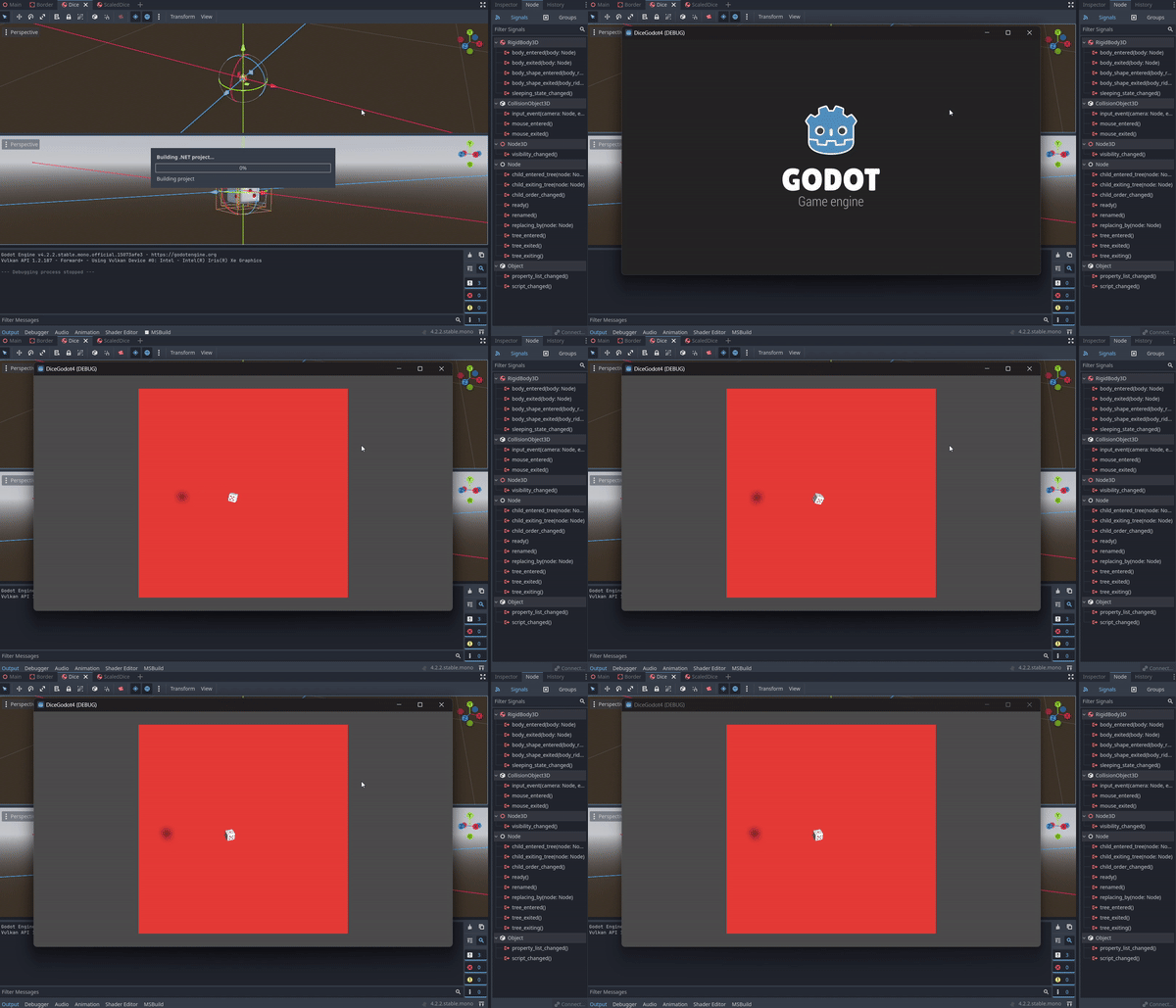
Now, that it stopped rolling, I will continue to drop it. To drop it, i will set the GravityScale back to 1.
    private bool isFloating = false;
    private bool stopRolling = false;
    private Timer diceTimer;

	public override void _Ready()
	{
		diceTimer = GetNode<Timer>("Timer");
	}

    public override void _PhysicsProcess(double delta)
    {
		if (!stopRolling) {
			if (!isFloating) {
				ApplyImpulse(new Vector3(0, (float)GD.RandRange(0.1, 0.5), 0));
				isFloating = true;
				GravityScale = 0;
				diceTimer.Start();
			}

			ApplyTorque(new Vector3(GD.Randi(), GD.Randi(), GD.Randi()).Normalized());
		} else {
            GravityScale = 1;
        }
	}

    private void _onTimerTimeout()
    {
        stopRolling = true;
    }
Here is the result:
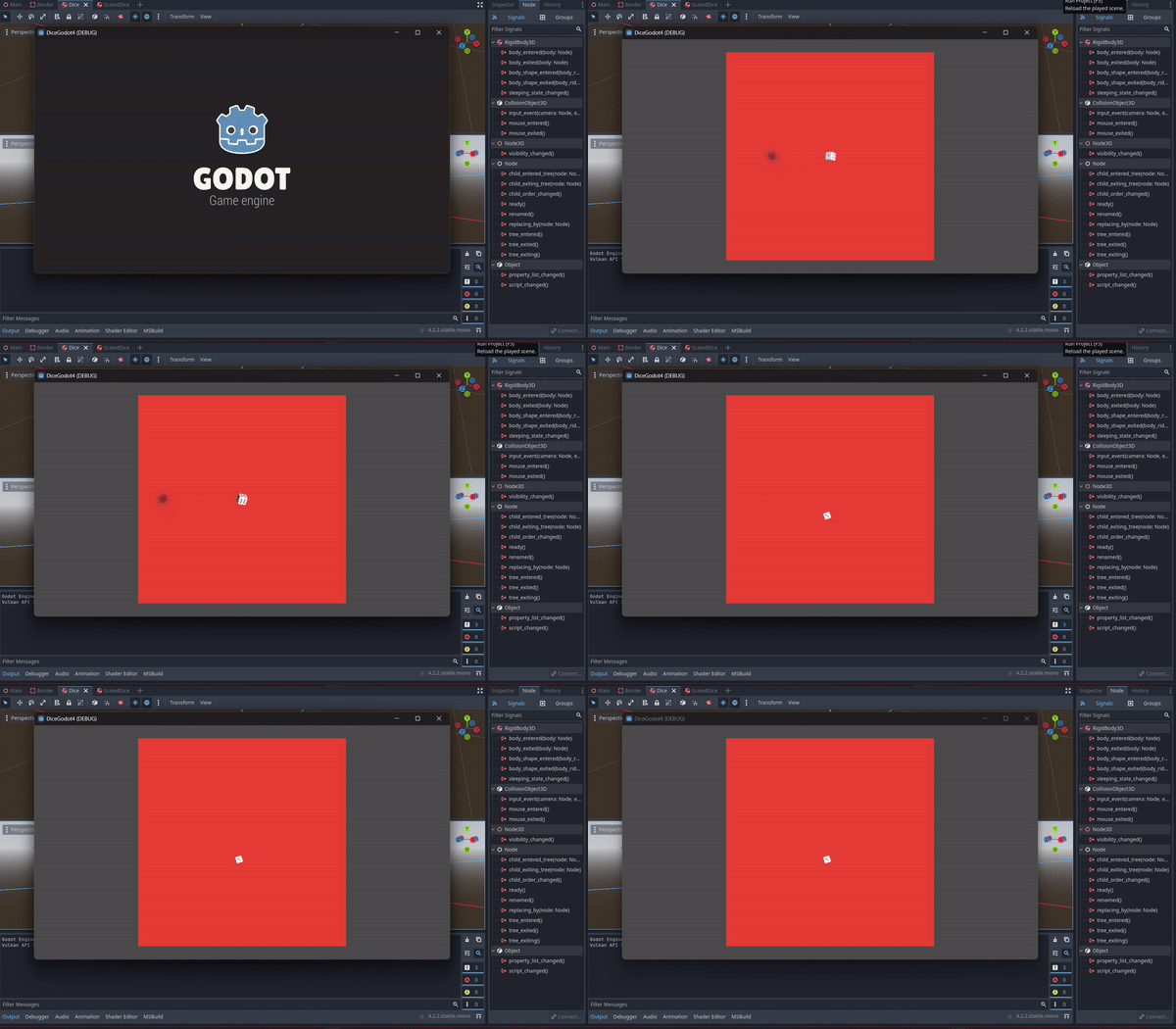
It is dropped! But, It is not so soft, in real life it will have a loud Tack! sound effect. So, I will try to apply some impulse on it.
    private bool isFloating = false;
    private bool stopRolling = false;
    private Timer diceTimer;

	public override void _Ready()
	{
		diceTimer = GetNode<Timer>("Timer");
	}

    static private float RandomizeImpulse() {
		float randomImpulse = (float)GD.RandRange(0.001, 0.01);
		int[] dirs = {1, -1};
		return randomImpulse * dirs[GD.Randi() % dirs.Length];
	}

    public override void _PhysicsProcess(double delta)
    {
		if (!stopRolling) {
			if (!isFloating) {
				ApplyImpulse(new Vector3(0, (float)GD.RandRange(0.1, 0.5), 0));
				isFloating = true;
				GravityScale = 0;
				diceTimer.Start();
			}

			ApplyTorque(new Vector3(GD.Randi(), GD.Randi(), GD.Randi()).Normalized());
		} else {
            ApplyImpulse(new Vector3(RandomizeImpulse(), -0.1f, RandomizeImpulse()));
            isFloating = false;
            GravityScale = 1;

        }
	}

    private void _onTimerTimeout()
    {
        stopRolling = true;
    }
For the impulse I will use the -Y axis(in Godot 3D, - is down, + is up). And I will just use a random value for the X and Z axis using RandomizeImpulse, to randomize the landing direction. I don’t want to apply too much impulse on X and Z, so I am only using random value between 0.01 and 0.1. And also randomize the direction with -1 or 1. And don’t forget to reset isFloating to false again.
Let’s see…
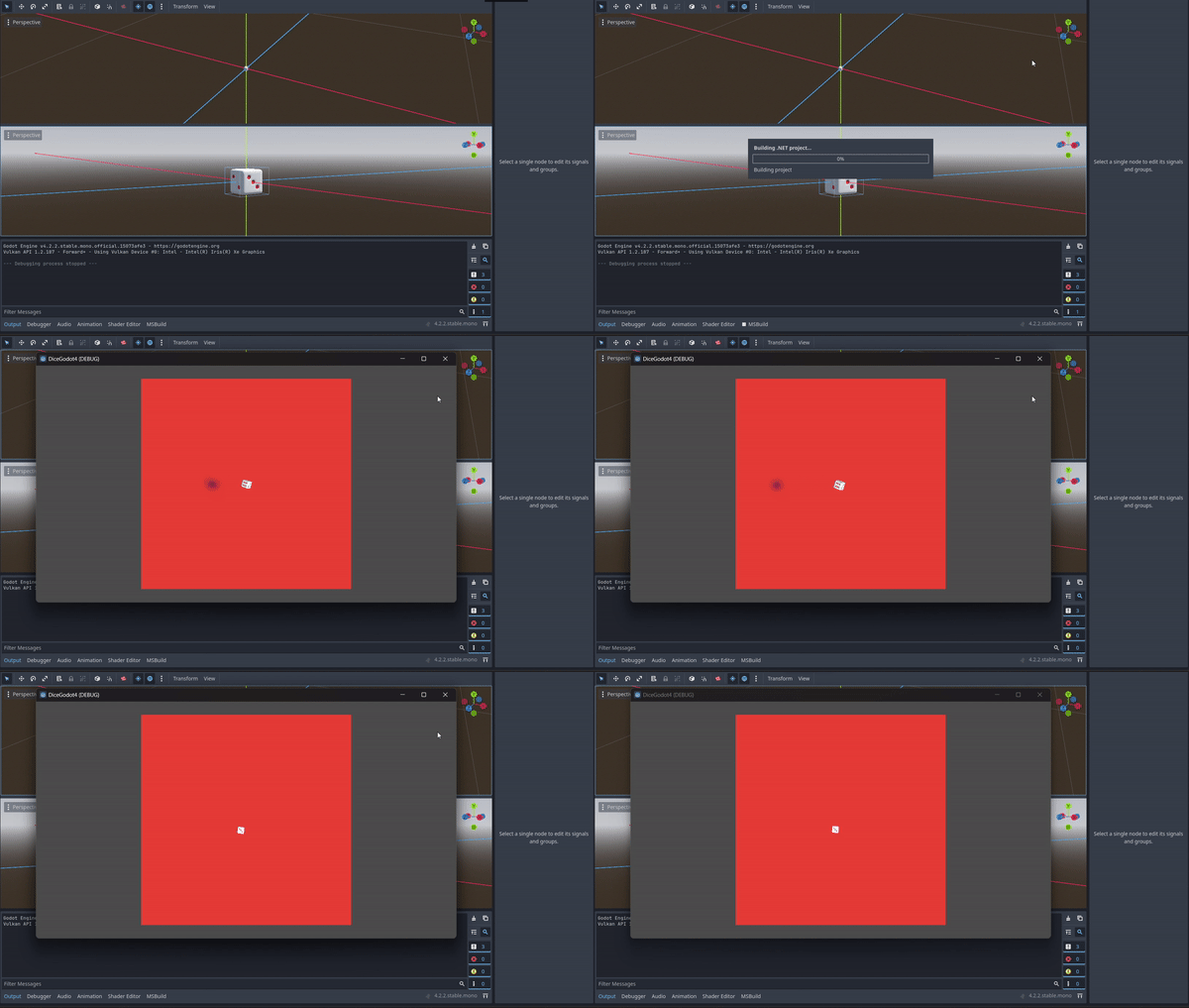
Now, it is not any better 🥲…
Why is it??
That’s because, when it is not floating it will keep applying impulse to the dice. It should also be applied once. So I make another flag called isRolling.
    private bool isFloating = false;
    private bool stopRolling = false;
    private Timer diceTimer;

	public override void _Ready()
	{
		diceTimer = GetNode<Timer>("Timer");
	}

    static private float RandomizeImpulse() {
		float randomImpulse = (float)GD.RandRange(0.001, 0.01);
		int[] dirs = {1, -1};
		return randomImpulse * dirs[GD.Randi() % dirs.Length];
	}

    public override void _PhysicsProcess(double delta)
    {
		if (!stopRolling)
		{
			if (!isFloating) {
				ApplyImpulse(new Vector3(0, (float)GD.RandRange(0.1, 0.5), 0));
				isFloating = true;
				isRolling = true;
				GravityScale = 0;
				diceTimer.Start();
			}

			ApplyTorque(new Vector3(GD.Randi(), GD.Randi(), GD.Randi()).Normalized());
		} else if(isRolling) {
			ApplyImpulse(new Vector3(RandomizeImpulse(), -0.1f, RandomizeImpulse()));
			isFloating = false;
			isRolling = false;
			GravityScale = 1;
		}
	}

    private void _onTimerTimeout()
    {
        stopRolling = true;
    }
Here is the result:
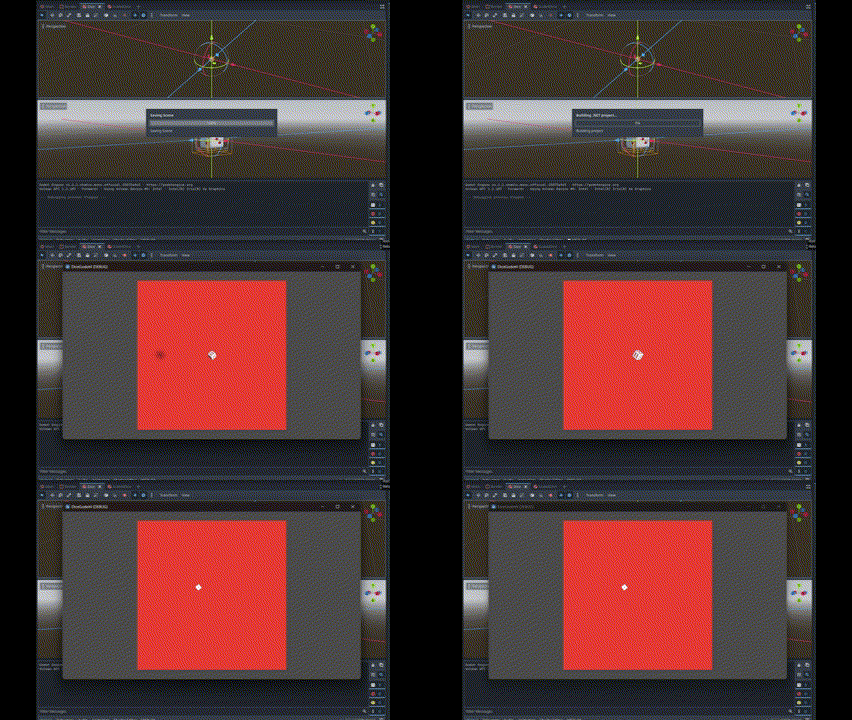
There is still another problem 🥲…The dice rotate and bounce too fast when it is on the ground, it looks stiff… So I will add both LinearDamp and AngularDamp when it is dropped off, to make it slower. I will also use either X axis or Z axis for direction, so it seems less crazier. I also increase the Bounce to 1, so it has more bounces, when touching the ground. And I apply torque when it dropped off, so it is touching the ground with more dynamic move.
    private bool isFloating = false;
    private bool stopRolling = false;
    private Timer diceTimer;

	public override void _Ready()
	{
		diceTimer = GetNode<Timer>("Timer");
	}

    static private float RandomizeImpulse() {
		float randomImpulse = (float)GD.RandRange(0.001, 0.01);
		int[] dirs = {1, -1};
		return randomImpulse * dirs[GD.Randi() % dirs.Length];
	}

    public override void _PhysicsProcess(double delta)
    {
		if (!stopRolling)
		{
			if (!isFloating) {
				LinearDamp = 0.8f;
				AngularDamp = 1;
				ApplyImpulse(new Vector3(0, (float)GD.RandRange(0.1, 0.5), 0));				isFloating = true;
				isRolling = true;
				GravityScale = 0;
				diceTimer.Start();
			}
			ApplyTorque(new Vector3(GD.Randi(), GD.Randi(), GD.Randi()).Normalized());

		} else if(isRolling) {
			LinearDamp = 8;
			AngularDamp = 3;
			GravityScale = 1;
			float x = RandomizeImpulse();
			float z = RandomizeImpulse();
			if (x >= z) {
				z = 0;
			} else {
				x = 0;
			}
			ApplyTorque(new Vector3(GD.Randi(), GD.Randi(), GD.Randi()).Normalized());
			ApplyImpulse(new Vector3(x, -0.1f, z));
			isFloating = false;
			isRolling = false;
		}
	}

    private void _onTimerTimeout()
    {
        stopRolling = true;
    }
And here is the result:
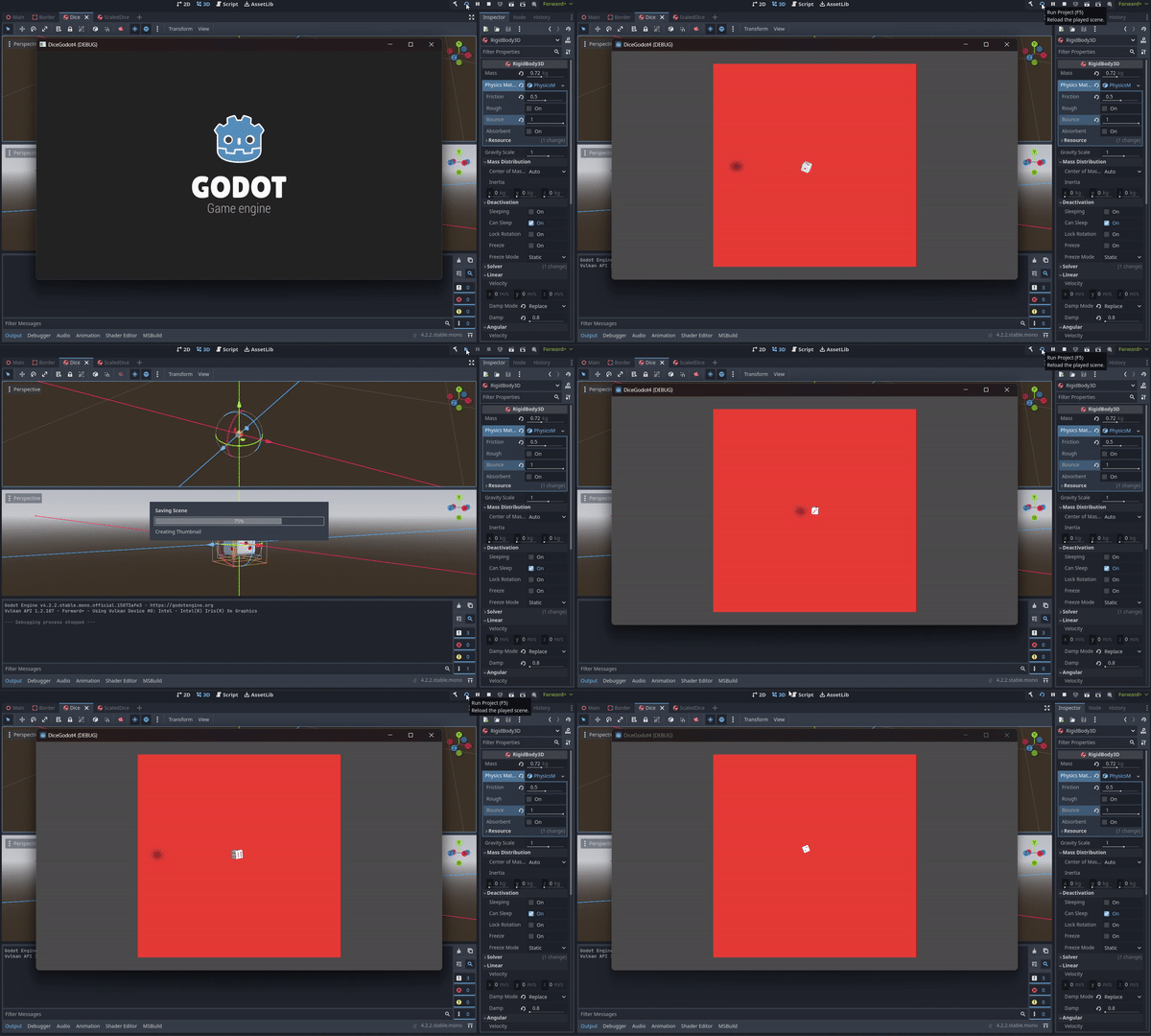
Quite happy with the result LOL. Still jitters sometimes, but better than before. Now, it’s time to tidy up the code, and here is the final code:
    private bool isFloating = false;
    private bool stopRolling = false;
    private Timer diceTimer;

	public override void _Ready()
	{
		diceTimer = GetNode<Timer>("Timer");
	}

    static private float RandomizeImpulse() {
		float randomImpulse = (float)GD.RandRange(0.001, 0.01);
		int[] dirs = {1, -1};
		return randomImpulse * dirs[GD.Randi() % dirs.Length];
	}

    public override void _PhysicsProcess(double delta)
    {
		Roll();
	}

	private void StartRoll() {
		LinearDamp = 0.8f;
		AngularDamp = 50;
		ApplyImpulse(new Vector3(0, (float)GD.RandRange(0.1, 0.5), 0));
		isFloating = true;
		isRolling = true;
		GravityScale = 0;
		diceTimer.Start();
		canRoll = false;
	}

	private void StopRoll() {
		LinearDamp = 8;
		AngularDamp = 3;
		GravityScale = 1;
		float x = RandomizeImpulse();
		float z = RandomizeImpulse();
		if (x >= z) {
			z = 0;
		} else {
			x = 0;
		}
		ApplyTorque(new Vector3(GD.Randi(), GD.Randi(), GD.Randi()).Normalized());
		ApplyImpulse(new Vector3(x, -0.1f, z));
		isFloating = false;
		isRolling = false;
	}

    private void Roll() {
		if (!stopRolling) {
			if (!isFloating) {
				StartRoll();
			}
        	ApplyTorque(new Vector3(GD.Randi(), GD.Randi(), GD.Randi()).Normalized());
		} else if (isRolling) {
			StopRoll();
		}
	}

    private void _onTimerTimeout()
    {
        stopRolling = true;
    }
Next is to bind it with an input, and use two dices at a time.
Cheers!! 🥂